

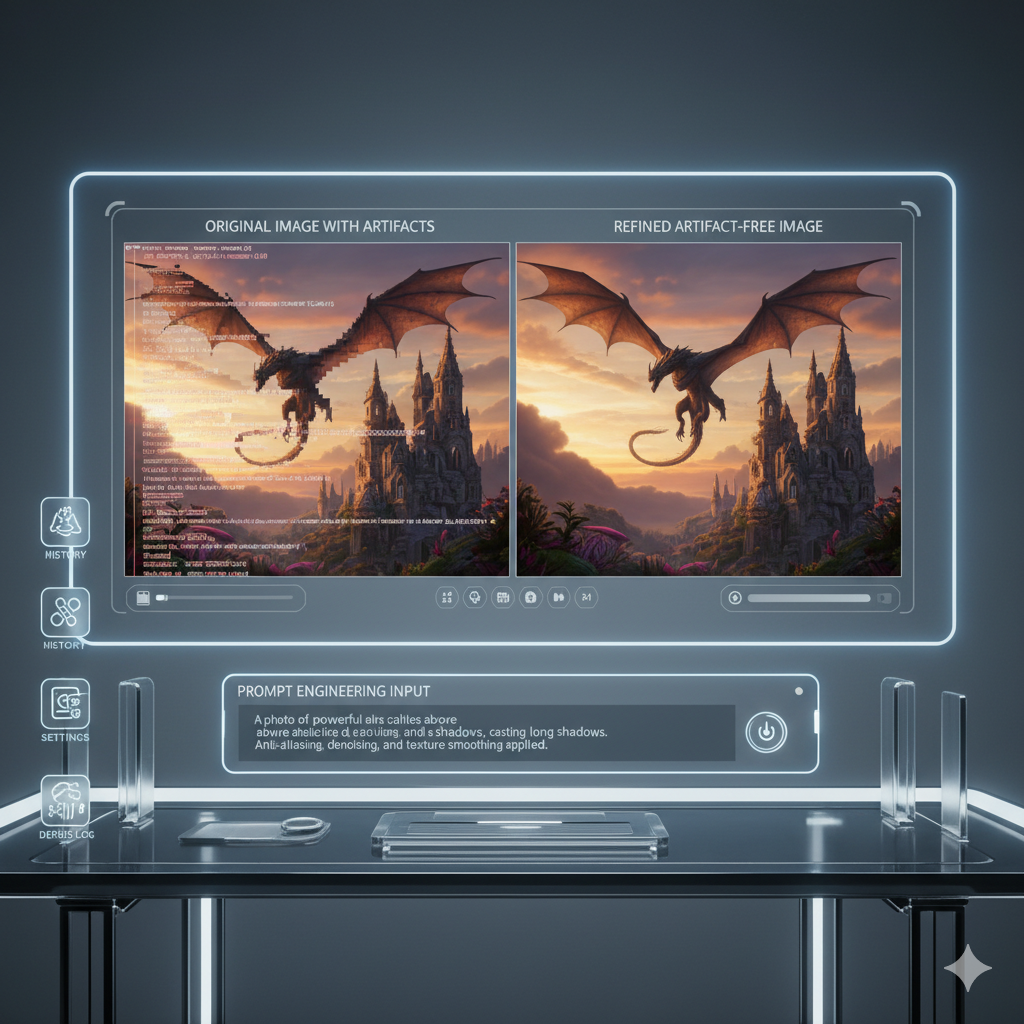
Prompt Engineering Secrets: Maximizing AI Image Output Quality
The dawn of generative AI has ushered in an era where imagination can be rendered into visual reality with unprecedented ease. Tools like Stable Diffusion, Midjourney, and DALL-E have democratized digital art, empowering creators, marketers, and enthusiasts alike to conjure stunning imagery from mere textual descriptions. Yet, as powerful as these tools are, they are not infallible. A common frustration among users, from novice to seasoned prompt engineer, is the persistent appearance of AI image artifacts. These unwelcome imperfections can range from subtle distortions and unwanted elements to grotesque deformations and illogical compositions, marring an otherwise perfect creation.
Understanding and effectively eliminating these artifacts is not merely a matter of trial and error; it is a sophisticated skill that lies at the heart of advanced prompt engineering. This comprehensive guide will dive deep into the debugging techniques necessary to identify, understand, and systematically remove artifacts from your AI-generated images. We will explore the common pitfalls, delve into advanced prompt structures, and unveil strategies that will elevate your image generation quality from “good enough” to “consistently exceptional.” Prepare to transform your workflow and achieve a mastery over AI image generation that yields pristine, artifact-free visuals every single time.
Understanding AI Image Artifacts: The Unwanted Guests in Your Creations
Before we can effectively eliminate artifacts, we must first understand what they are and why they occur. AI image artifacts are undesirable visual anomalies or imperfections present in the output of generative AI models. They are essentially glitches in the matrix, moments where the AI’s understanding or execution falls short of human expectation, or where its statistical pattern matching leads it astray. These imperfections can manifest in numerous ways, each requiring a tailored approach to mitigation.
Common Types of AI Image Artifacts:
- Malformed Features: This is perhaps the most notorious type, often seen in human or animal subjects. Examples include extra limbs, distorted faces, misaligned eyes, merged fingers, or grotesque anatomical inconsistencies. These occur because the AI struggles with the complex, nuanced understanding of biological forms and often treats individual features as separate entities rather than parts of a cohesive whole.
- Geometric Distortions and Warping: Objects, especially those with clear geometric shapes or structures (e.g., buildings, vehicles, furniture), might appear warped, bent unnaturally, or suffer from perspective errors. Straight lines might become wavy, and shapes might lose their integrity.
- Unwanted Elements or Objects: The AI might introduce objects or details that were not explicitly requested and do not fit the context of the image. This could be anything from a random floating orb to an extra, out-of-place background element.
- Texture or Pattern Repetition/Noise: Sometimes, the image can have repetitive patterns, grainy textures, or a general “noisiness” that detracts from realism or artistic intent. This can be particularly prevalent in areas of fine detail or complex textures like fabric, hair, or water.
- Color Shifts and Aberrations: Unexpected color changes, banding, or an overall desaturated/over-saturated look can occur, deviating from the desired color palette or realism.
- Compositional Errors: Objects might be placed illogically, subjects might be cut off at the edges, or the overall scene might lack balance and coherence, despite individual elements appearing correctly.
- Text and Readability Issues: AI models notoriously struggle with generating coherent, legible text. Any attempt to include text in an image often results in gibberish characters or distorted fonts.
The root causes of these artifacts are multifaceted, stemming from the training data, model architecture, sampling methods, and, critically, the quality and specificity of the prompt itself. Understanding these categories helps us categorize the problem and select the appropriate debugging strategy.
The Role of Prompt Engineering: Your Key to Visual Fidelity
Prompt engineering is more than just typing a description into a text box; it is an iterative, experimental, and analytical discipline. It involves crafting precise, clear, and contextually rich instructions that guide the AI model towards generating the desired output while simultaneously steering it away from unwanted artifacts. Think of your prompt as a conversation with a highly intelligent, yet sometimes literal-minded, artist. The clearer and more specific your instructions, the better the outcome.
The connection between prompt engineering and artifact elimination is direct and profound. A well-engineered prompt anticipates potential pitfalls and provides the AI with sufficient guardrails. Conversely, a vague, ambiguous, or poorly structured prompt leaves too much to the AI’s interpretation, increasing the likelihood of random imperfections.
Key Aspects of Prompt Engineering in Artifact Elimination:
- Specificity and Detail: General terms often lead to generic or flawed results. Specifying details about subjects, styles, colors, lighting, and composition minimizes ambiguity.
- Structure and Syntax: Different models respond to different prompt structures, weighting mechanisms, and keywords. Learning these nuances is crucial for precise control.
- Iterative Refinement: Rarely does a perfect image emerge from the first prompt. Prompt engineering is a process of continuous adjustment, observation, and recalibration based on initial outputs.
- Negative Prompting: Explicitly telling the AI what not to include or what qualities to avoid is a powerful tool in artifact suppression.
- Understanding Model Limitations: Recognizing what a particular AI model excels at and where it struggles helps in setting realistic expectations and crafting prompts that play to its strengths. For instance, Midjourney often excels at artistic styles, while Stable Diffusion offers more granular control over specific elements. DALL-E 3 is becoming quite good at text generation, a significant advancement.
Mastering these elements transforms you from a mere user into a conductor, orchestrating the AI to produce symphonies of pixels rather than cacophonies of artifacts.
Common Causes of Artifacts in Prompting: Identifying the Root Issues
Artifacts rarely appear without reason. They are often symptoms of underlying issues within the prompt itself, the user’s understanding of the model, or the model’s inherent limitations. Pinpointing these common causes is the first step in effective debugging.
Detailed Examination of Common Causes:
-
Vague or Ambiguous Prompts:
Problem: When prompts are too general, the AI has too much creative freedom, which often translates into arbitrary decisions leading to artifacts. For example, “a person” could result in an unidentifiable figure, while “a dog” might yield a generic canine with distorted features.
Example: Prompt: “A fantasy scene.” Potential artifact: Incoherent background elements, mismatched architectural styles, or ill-defined magical effects.
Solution: Be explicit. Describe the subject, setting, style, mood, lighting, and composition in detail. “An epic fantasy scene, a lone knight on a galloping steed, sun setting over a shimmering emerald lake, ancient ruins in the distance, dramatic chiaroscuro lighting, intricate armor, hyperrealistic, oil painting.”
-
Conflicting or Contradictory Instructions:
Problem: The AI attempts to reconcile opposing instructions, leading to illogical compositions or artifacts born from trying to blend irreconcilable elements. For instance, asking for a “dark, moody forest” and then “bright, sunny day” in the same prompt.
Example: Prompt: “A majestic elephant with butterfly wings, flying gracefully, but also very heavy and grounded.” Potential artifact: The elephant might have awkwardly rendered wings or appear to be floating unnaturally while also somehow stuck to the ground, resulting in a confusing visual.
Solution: Review your prompt for internal consistency. Prioritize elements or use weighting to emphasize certain aspects over others. Break down complex ideas into simpler, coherent concepts if necessary. Sometimes, an impossible combination leads to interesting, surreal art, but often it leads to artifacts.
-
Lack of Negative Prompting:
Problem: Without explicit instructions on what to avoid, the AI might include undesirable elements that it associates with the positive prompt during its training. This is especially true for common artifacts like extra limbs or poor anatomy.
Example: Prompt: “A beautiful portrait of a woman.” Potential artifact: Woman with a third eye, deformed hands, strange skin textures, or blurry background elements.
Solution: Always employ negative prompts. Common negative prompts include: “ugly, deformed, disfigured, bad anatomy, malformed limbs, extra limbs, missing limbs, floating limbs, disconnected limbs, mutation, mutated, low resolution, bad hands, blurry, grainy, noisy, text, signature, watermark.” Tailor negatives to the specific artifacts you observe.
-
Model-Specific Limitations or Biases:
Problem: Each AI model has its strengths and weaknesses, often influenced by its training data. A model might struggle with specific concepts (e.g., generating text, rendering complex machinery, specific art styles) or exhibit biases in its output (e.g., default poses, common facial features).
Example: Attempting to generate legible complex scientific formulas with DALL-E 2, or highly stylized specific anime character in Midjourney v4 without character sheets.
Solution: Research your chosen model’s capabilities and common issues. Adapt your prompting style to leverage its strengths and mitigate its weaknesses. For instance, Stable Diffusion offers more fine-grained control via parameters, while Midjourney often benefits from more abstract, evocative language for artistic results.
-
Over-prompting or Under-prompting:
Problem: Too many keywords without proper structure can confuse the AI (over-prompting), diluting the impact of critical instructions. Conversely, too few keywords (under-prompting) leave too much to chance.
Example (Over-prompting): “A person standing, a man, male, human, adult, bipedal, standing still, on feet, not sitting, not lying, upright posture, vertical orientation, non-moving, stationary individual, person of gender male.” The redundancy and excessive synonyms can clutter the prompt and reduce the AI’s ability to focus on other details.
Example (Under-prompting): “A dog in a park.” Potential artifact: Generic dog, unstructured park, poor lighting, lack of realism.
Solution: Strive for a balance. Use concise, impactful keywords. Combine related concepts where possible. Focus on what is essential and let the AI fill in sensible details for less critical aspects.
-
Poorly Chosen Seed or Sampling Method (for applicable models):
Problem: For models like Stable Diffusion, the seed number influences the initial noise pattern, and the sampling method affects how the image is iteratively refined. Suboptimal choices can lead to less coherent images or introduce artifacts.
Example: Using a very low number of sampling steps with a complex prompt might not give the model enough iterations to refine details, leading to blurriness or incomplete elements.
Solution: Experiment with different seeds to find a desirable starting point. Understand the characteristics of various sampling methods (e.g., DPM++ 2M Karras, Euler a, DDIM) and choose one appropriate for your desired image style and complexity. Increase sampling steps for higher detail, but be aware of diminishing returns and increased generation time.
Advanced Prompt Debugging Techniques: A Systematic Approach
Debugging AI image prompts requires a methodical and iterative approach. It’s akin to scientific experimentation: formulate a hypothesis, test it, observe the results, and adjust accordingly. Here are advanced techniques to systematically tackle artifacts.
1. Iterative Refinement and A/B Testing
The core of effective prompt engineering is continuous refinement. Instead of overhauling your prompt entirely, make small, incremental changes and observe their impact. This allows you to isolate the effect of each modification.
- Step-by-Step Modification: If you observe artifacts, try changing one specific keyword or phrase at a time. For instance, if hands are malformed, first try adding “beautiful hands” to your positive prompt, then “deformed hands” to your negative prompt, and see which has a better effect.
- A/B Testing: Create two slightly different versions of your prompt (Prompt A and Prompt B) that target a specific artifact. Generate images with both and compare the results to determine which change was more effective. For example, if facial features are distorted, test “intricate facial details” vs. “photorealistic face, perfect anatomy.”
- Varying Seed (if applicable): When debugging, it’s often useful to test a single prompt modification across multiple seeds (especially in Stable Diffusion) to ensure the change is consistently positive and not just a fluke of a particular seed.
This systematic approach helps you understand the direct impact of each prompt component and build a robust prompt over time.
2. Component Isolation: Deconstructing Complex Prompts
Complex prompts, while powerful, can be challenging to debug. If a prompt produces many artifacts, it’s hard to tell which part of the prompt is causing which issue. Component isolation helps break down the problem.
- Start Simple: Begin with a very basic prompt that describes only the main subject. Once the subject is generating reasonably well, gradually add elements: style, lighting, background, details, and then stylistic modifiers.
- Identify Problematic Sections: If an artifact appears after adding a specific phrase, that phrase (or its interaction with existing elements) is likely the culprit.
- Modular Prompting: For very long prompts, consider structuring them into logical modules (e.g.,
[SUBJECT DESCRIPTION] [STYLE MODIFIERS] [LIGHTING AND COMPOSITION] [NEGATIVE PROMPT]). This makes it easier to test and swap out modules without affecting the entire prompt. - Example: If “a cybernetic samurai riding a neon dragon through a futuristic cityscape at night, cinematic lighting, synthwave style” generates distorted dragons, first try “a neon dragon, intricate scales, powerful wings”. Once the dragon is good, reintroduce the samurai, then the cityscape, and so on.
3. Leveraging Negative Prompts Effectively
Negative prompts are your AI’s “do not” list. They are incredibly powerful for artifact suppression but must be used judiciously.
- Specific Negatives for Specific Artifacts: Don’t just use a generic negative prompt. If you’re seeing “extra fingers,” explicitly add “extra fingers” to your negative prompt. If faces are “blurry,” add “blurry face.”
- Cumulative Negative Prompts: Keep a running list of common artifacts you want to avoid and include them in your negative prompt by default. For human subjects, common additions include: “deformed, bad anatomy, disfigured, poorly drawn face, mutation, mutated, extra limb, missing limb, floating limbs, disconnected limbs, malformed hands, ugly, blurry, grainy, bad composition, watermark, signature, text.”
- Weighting in Negative Prompts (if supported): Some models or interfaces allow you to apply weights to negative prompts (e.g., in Stable Diffusion,
(extra fingers:1.2)). This amplifies the instruction to avoid that element. - Negative Prompt Strength/Guidance Scale: Adjusting the guidance scale (CFG Scale in Stable Diffusion, –s in Midjourney) can influence how strongly the model adheres to your prompt (both positive and negative). Higher values typically mean more adherence, but too high can introduce new artifacts.
4. Controlling Seed and Sampling Methods (Stable Diffusion Specific)
For models like Stable Diffusion, these parameters are critical for consistent and quality outputs.
- Seed Management: The seed determines the initial noise from which the image is generated.
- Fixed Seed: Use a fixed seed when making minor prompt adjustments to observe the direct impact of your changes on the same base composition. This is essential for A/B testing.
- Random Seed: When exploring new prompt ideas or trying to get diverse compositions, use a random seed (seed -1 or no seed specified) to allow the AI to generate varied starting points.
- Seed Iteration: Generate images with a fixed prompt but iterate through a range of seeds to find compositions that naturally avoid artifacts or lend themselves better to your vision.
- Sampling Method (Sampler) Selection: The sampler dictates the algorithm used to “denoise” the image. Different samplers have distinct characteristics:
- DPM++ 2M Karras / SDE Karras: Often produce high-quality, detailed images, good for realism.
- Euler Ancestral (Euler a): Faster, but can sometimes introduce more variability or noise, useful for exploratory generations.
- DDIM: Can be good for consistency but may require more steps.
- Heun / LMS: Other options with varying trade-offs between speed, quality, and artifact production.
Experiment with samplers for your specific model and desired style. Some samplers are better at preserving details, while others are faster but might be more prone to specific artifacts.
- Sampling Steps: Generally, more steps lead to more refined images, but there are diminishing returns. Too few steps can result in blurry, incomplete, or artifact-laden images. Too many can sometimes lead to “over-cooked” or overly detailed images that look unnatural. Find the sweet spot, often between 20-50 steps for many samplers.
5. Understanding Model-Specific Nuances and Parameters
Each AI model (and even different versions of the same model, e.g., Midjourney v5 vs. v6) has its own idiosyncrasies.
- Midjourney Parameters:
--s




























































































Leave a Reply